
Free Bite-size Training
Free Live Training on Big Red Cloud
Live Onboarding and More
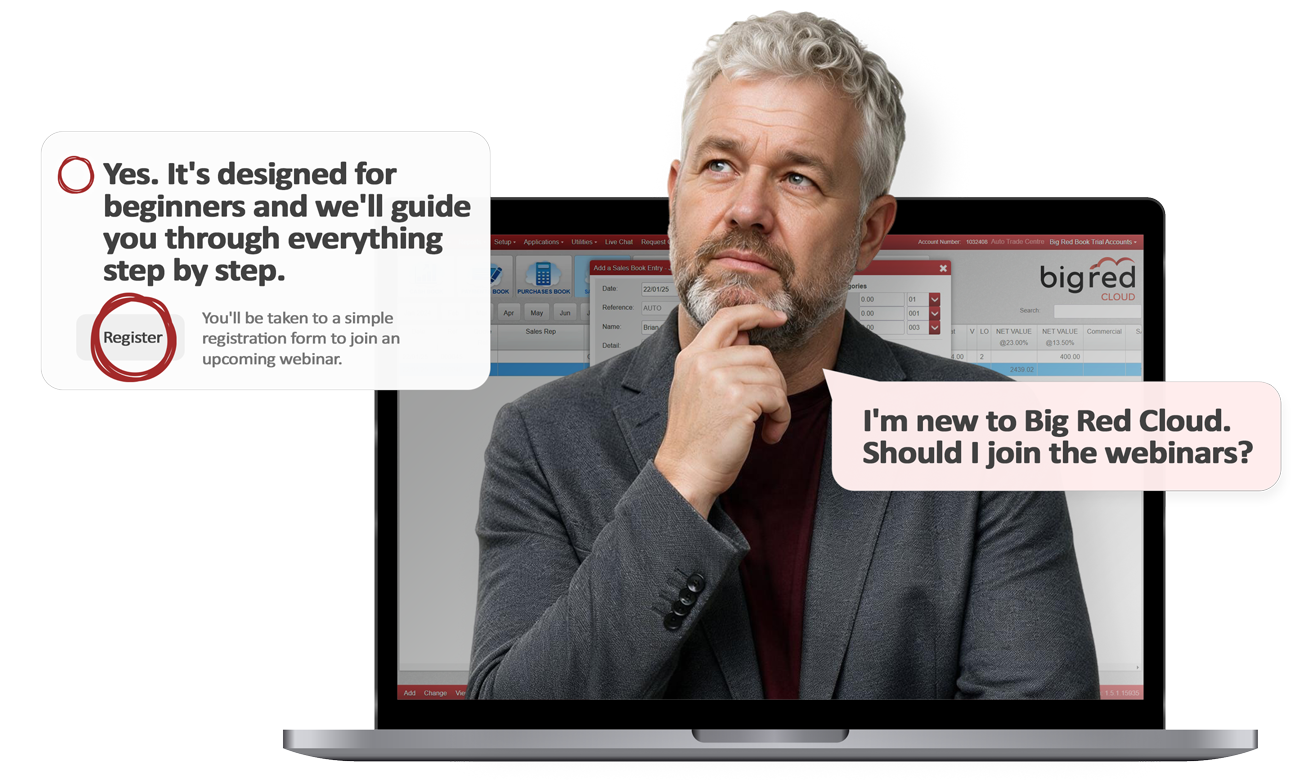
New to Big Red Cloud? Every Monday, Tuesday, and Wednesday we are offering a 3-part onboarding series that guides you through setup, purchases, sales, and VAT reporting so you can confidently manage your accounts.
Thursday and Friday sessions are designed to unlock automation features such as Open Banking, the Purchase Invoice Importer, and discover smarter ways to use the software.

3-part onboarding series for new Big Red Cloud users

Ask practical questions, collaborate, and learn

Learn key Big Red Cloud features step by step

Watch recorded webinars anytime, at your own pace
Get started by setting up your company and foundations for success. Follow along live with our team and make sure everything is set up correctly before moving on to the next two practical sessions.
Learn how to record sales correctly, manage your cash book with ease, and complete bank reconciliations confidently, step by step. We bring the key day-to-day processes together, so you can keep your accounts accurate and up to date.
Learn how to record sales correctly, manage your cash book with ease, and complete bank reconciliations confidently, step by step.
Learn how to use RED to ask questions about your accounts in plain English, get useful insights quickly, and discover how Purchase Importer simplifies supplier invoice processing from upload to Purchase Book.
Learn how to connect your bank account, import transactions, apply automation rules, reduce reconciliation errors and manage entries using smart filters.

Led by Customer Success Executive Shane Kavanagh, dedicated to supporting accounting professionals and small businesses with expert guidance and practical solutions.
Shane hosts our weekly training webinars, guiding new and existing users through key features with clear, practical steps.

This session is presented by Customer Success Executive David Costelloe, who works closely with customers to support them in getting the most from the platform.
David regularly leads training webinars, helping users explore key features with practical demonstrations and straightforward guidance.
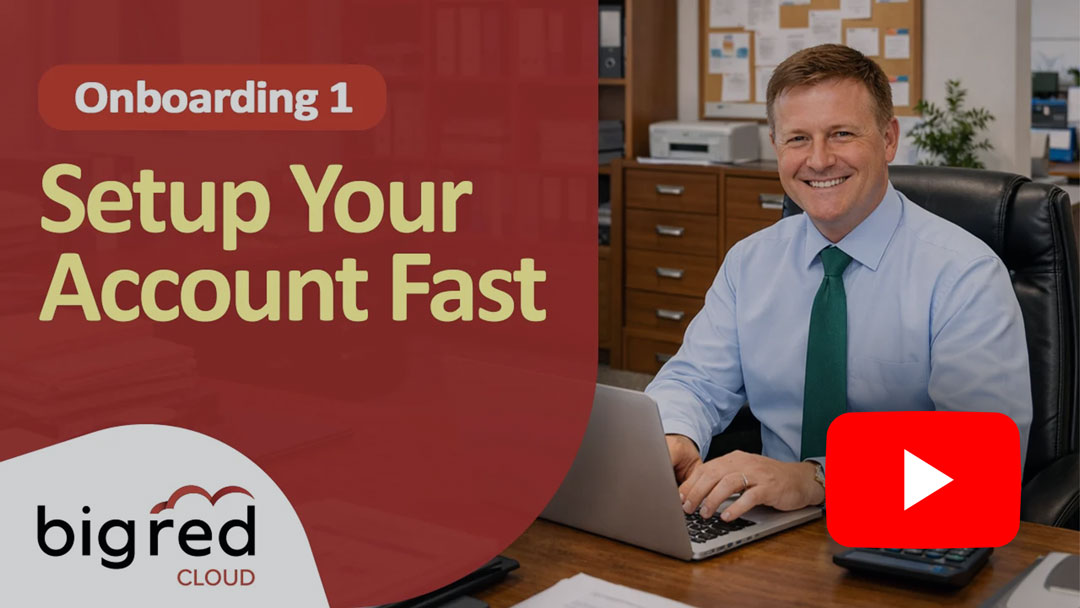
Onboarding 1 shows you how to set up your company in Big Red Cloud. Our experts guide you through the key setup steps so you can get started correctly and begin using the system with confidence.
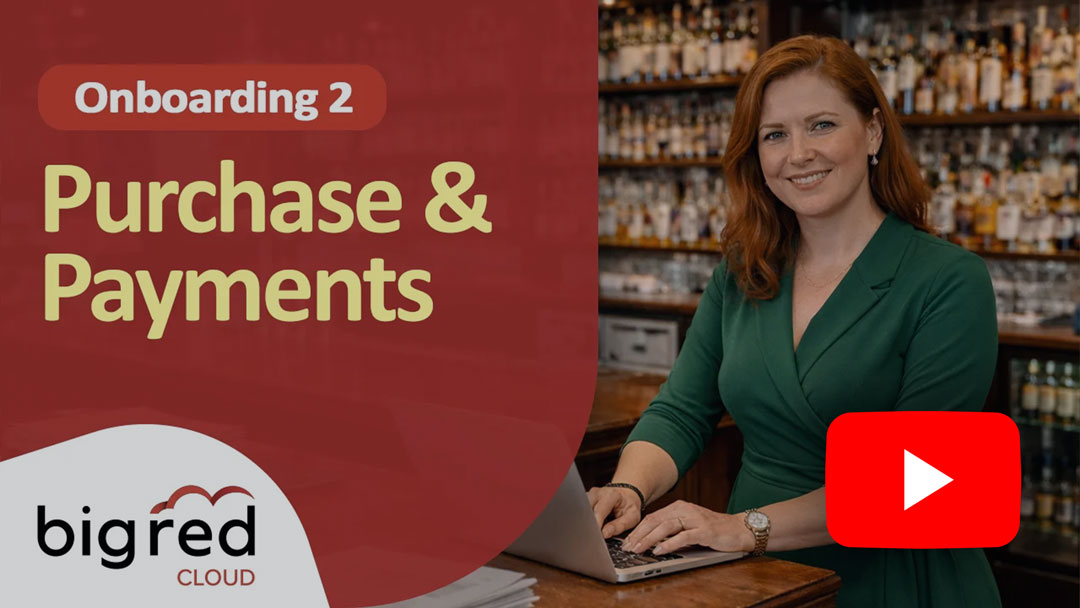
Our experts show you how to use the Purchase Book and Payments Book in Big Red Cloud, so you can record supplier invoices, manage payments, and get started with more confidence each day.
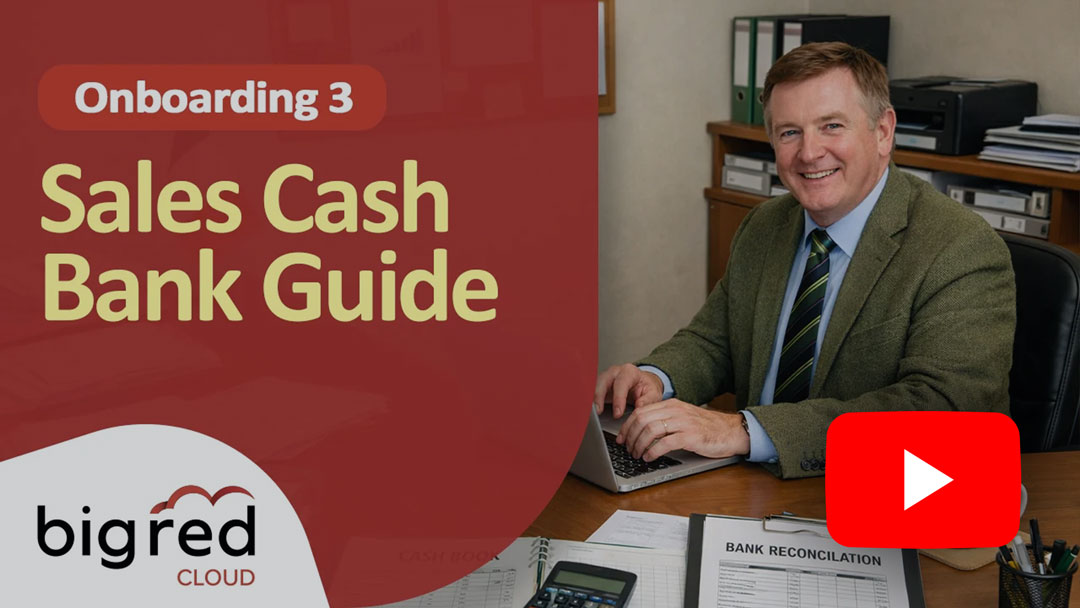
Learn how to get started with Big Red Cloud onboarding by creating invoices, recording payments, managing suppliers, and completing bank reconciliation with simple guidance.

See RED AI and the Purchase Invoice Importer in action. Learn how to analyse your accounts with AI, create reports, spot unusual activity and import supplier invoices faster in Big Red Cloud software.
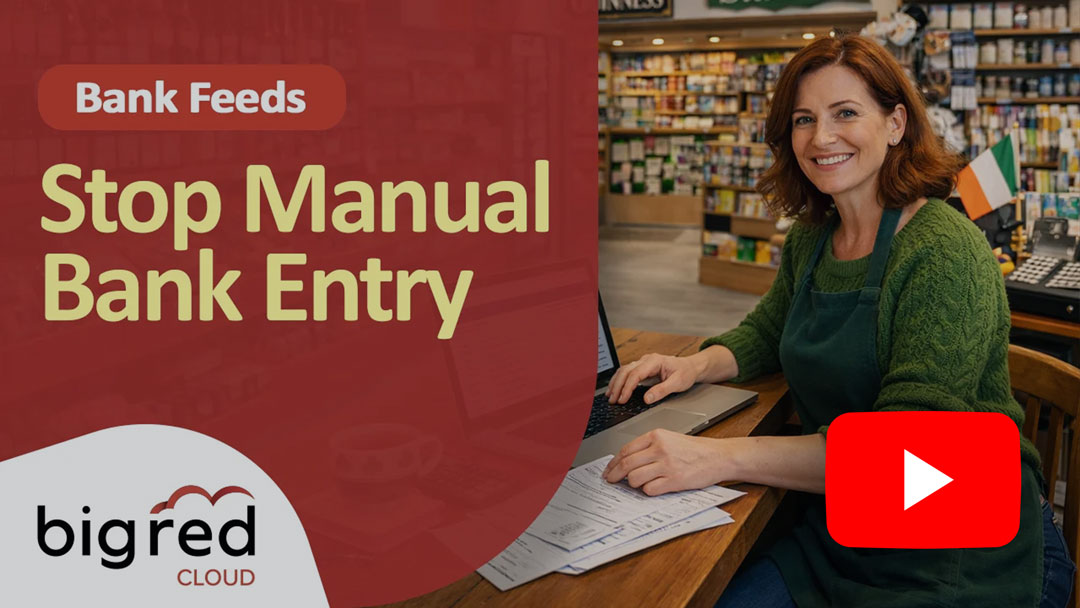
Learn how Bank Feeds in Big Red Cloud help you import transactions, automate entries with rules, and reduce manual work while keeping your accounts accurate and up to date.
Everything you need to know about joining, repeating, and getting the most from our Big Red Cloud training webinars
These webinars are essential for new Big Red Cloud users and strongly recommended during your onboarding. Existing users are also welcome to join at any time to refresh their knowledge, explore features, and improve how they use the software in their daily work.
We recommend following the onboarding sessions in order so each step builds on the previous one.
No. The sessions run weekly so you can attend at your own pace. You can join any upcoming session and continue learning when the next one suits you.
Yes. Many users return to sessions to refresh their knowledge or revisit features they want to improve. Since the webinars run regularly and recordings are available, you can repeat sessions anytime to strengthen your knowledge.
Yes. Each webinar includes a live Q&A session where you can ask questions directly to the Big Red Cloud team. The sessions are designed to be collaborative, with other businesses joining , giving you the opportunity to learn from shared questions and real-world scenarios.
This interactive approach provides practical guidance, helps clarify features, and ensures you leave the session feeling confident using the software.
The onboarding sessions guide you through Big Red Cloud step by step, helping you set up your system correctly from the start. Learning alongside other new users also makes it easier to ask questions, avoid common mistakes, and become confident using the software faster.
Each session is designed to fit into your schedule while giving you practical knowledge you can apply immediately.
Yes. All Big Red Cloud training webinars are free to attend for our users. Our goal is to help small businesses and accounting professionals get the most from the software, stay confident with their accounts, and learn best practices directly from our team.
Big Red Cloud provides comprehensive customer support through multiple channels, so you always get the help you need. Our team is available Monday to Friday, from 9:00 a.m. to 5:30 p.m., and you can reach us by phone, email, or make use of our extensive online resources.
In addition to direct support, you’ll have access to:
Check out our knowledge base for more information.




© 2026 Big Red Cloud Group Limited. All Rights Reserved | Privacy Policy | Terms and Conditions